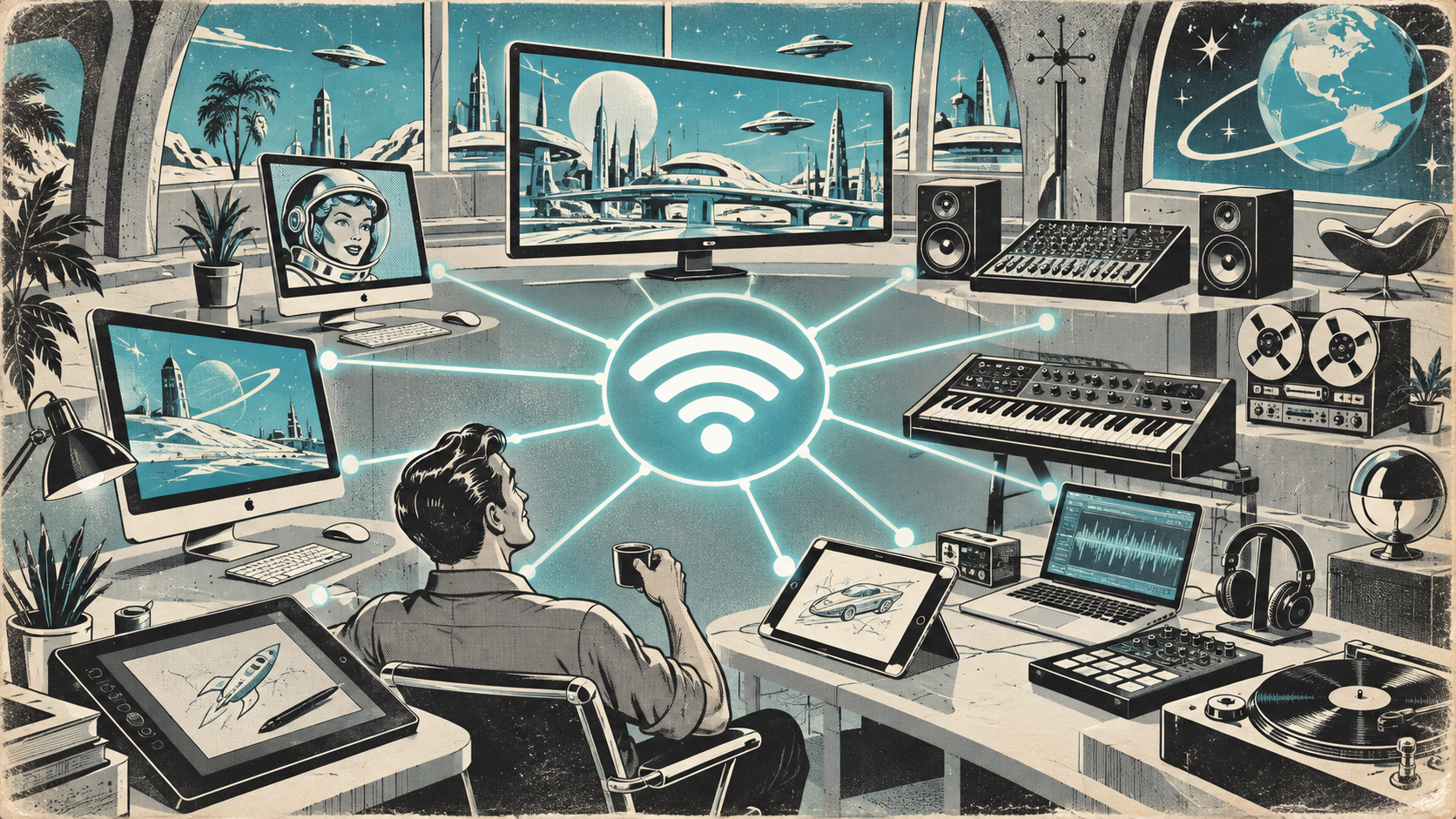
Creative studios have unique networking demands. Large file transfers, cloud rendering, video calls happening simultaneously, and a room full of Macs, iPads, and iPhones all competing for bandwidth. Consumer-grade WiFi will not cut it.
Start with the Wired Backbone
WiFi gets all the attention, but your wired network is the foundation. Every access point, every docked workstation, your NAS, and your printer should be on gigabit Ethernet (or faster). Run Cat6 or Cat6a cabling. If your office was wired years ago with Cat5, it is time to upgrade. A slow backbone means slow everything, regardless of how good your WiFi hardware is.
Access Point Placement
One router in the corner is not a network design. For reliable coverage, you need ceiling or wall-mounted access points (APs) distributed across the space. A good rule of thumb: one AP per 1,000-1,500 square feet for typical office density, more for open plans with many devices. Use enterprise-grade APs from Ubiquiti, Meraki, or Aruba. They handle dozens of simultaneous clients without dropping connections.
Separate Your Networks
At minimum, run three WiFi networks (SSIDs) on separate VLANs:
- Corporate: Staff devices managed by MDM. Full network access.
- Guest: Client and visitor devices. Internet only, isolated from internal resources.
- IoT: Printers, smart displays, Apple TVs, AV equipment. Isolated from corporate devices but accessible where needed.
This is basic security hygiene. A compromised IoT device should not be able to reach your file server.
Bandwidth for Creative Workflows
Creative teams move large files. A 4K video project can be hundreds of gigabytes. Design files, RAW photos, and audio sessions add up. Internal file transfers between Macs and a NAS or server should be on 10Gb Ethernet where possible. For cloud-based workflows (Adobe Creative Cloud, Frame.io, Figma), your internet connection matters as much as your internal network. Aim for symmetrical fiber if available in your area.
AirDrop and Apple Ecosystem Quirks
AirDrop, AirPlay, Handoff, and Universal Clipboard use Bonjour (mDNS) and peer-to-peer WiFi. These features rely on devices being able to discover each other on the local network. If you segment your VLANs aggressively, you may need to configure an mDNS reflector or gateway to allow Apple ecosystem features across VLANs. Most enterprise AP controllers support this natively.
Common Mistakes
- Using consumer mesh systems instead of enterprise APs
- Not running Ethernet to AP locations (running them on WiFi backhaul instead)
- Overlapping WiFi channels causing interference
- No QoS configuration, so a large file download tanks everyone's video calls
- Putting 60 devices on one consumer router and wondering why it crashes
Get It Done Right
Networking is one of those areas where doing it properly once saves years of frustration. A site survey, proper AP placement, correct VLAN configuration, and quality hardware make the difference between a studio that just works and one where "the WiFi is down again" is a daily event. We design and deploy networks for Mac-heavy workplaces across the Lower Mainland. Let us take a look at yours.