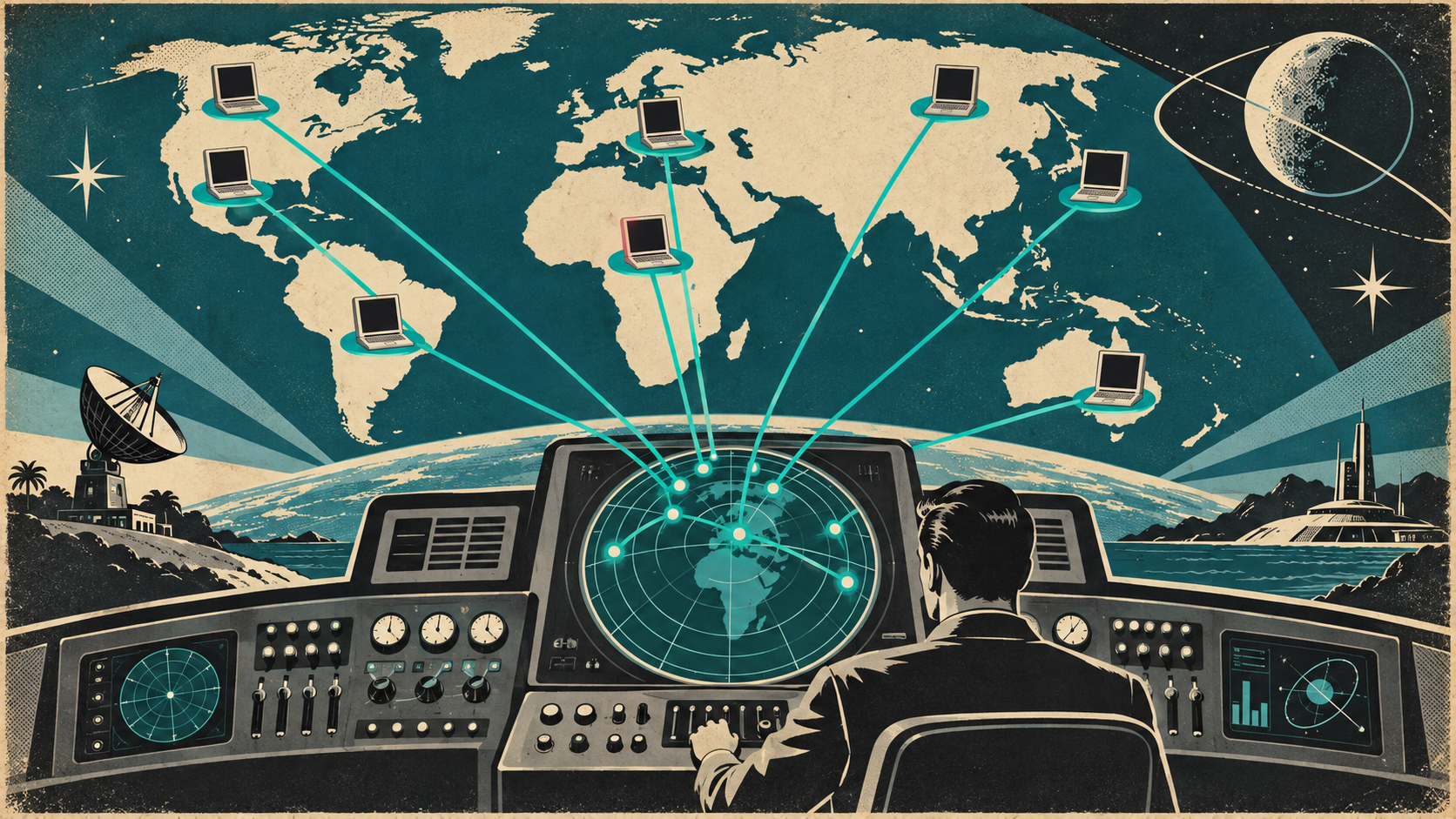
Your team is spread across home offices, co-working spaces, and coffee shops. Every Mac needs to be secure, updated, and supported, regardless of where it is. Here is how to make that work.
MDM Is Non-Negotiable
For remote teams, MDM is not optional. It is the only way to enforce security policies, push updates, deploy software, and maintain visibility across devices you never physically touch. Without MDM, you are trusting every employee to keep their own machine secure, updated, and properly configured. That is not a strategy.
Zero-Touch for New Hires
When your new hire is in Kelowna and your office is in Vancouver, zero-touch deployment is the only sensible approach. Order the Mac, have Apple ship it to the employee, and let MDM handle configuration. No shipping to HQ for setup. No mailing USB drives. No two-hour video call walking someone through manual setup.
Patching from Afar
Remote Macs miss the office network, which means they might miss updates you deploy through on-premises tools. Cloud-based MDM handles this: updates are pushed over the internet, not the office LAN. Set enforcement deadlines for macOS updates and third-party patches. Use gentle nudges first (notifications with snooze options), then enforce after a reasonable window.
Remote Support
You need a way to see what is happening on a remote Mac when an employee needs help. Screen sharing tools (built into macOS), remote access software (like ConnectWise ScreenConnect or TeamViewer), or MDM-integrated remote assistance let your support team troubleshoot without asking the employee to describe what they see over the phone.
Security for Home Networks
Home WiFi networks are generally less secure than office networks. Employees share their connection with personal devices, smart TVs, IoT gadgets, and sometimes roommates or neighbors. Mitigations:
- Enforce FileVault and endpoint security on every Mac
- Use a VPN or zero-trust network access (ZTNA) for accessing company resources
- DNS-level filtering (Cisco Umbrella, Cloudflare Gateway) travels with the device
- Require MFA on everything
- Educate employees on basic home network security (change default router passwords, use WPA3)
Monitoring and Compliance
Out of sight should not mean out of mind. Your MDM should give you a dashboard showing which devices are compliant (encrypted, updated, security software running) and which are not. Set up alerts for non-compliance. If a Mac goes offline for an extended period, investigate. Regular compliance reports keep you honest and audit-ready.
Hardware Lifecycle
Remote employees need hardware refreshes just like office staff. Plan for 4-year Mac refresh cycles. When it is time, ship the new Mac (zero-touch configured), have the employee transfer personal files, then remotely wipe and retrieve the old device. MDM makes the swap painless.
Making It Work
Remote Mac management is not harder than on-premises management. It is just different. The tools exist, the processes are well-understood, and the cloud-first nature of modern MDM platforms makes location irrelevant. If your remote team's Macs are not centrally managed today, that is a gap worth closing. Let us help you get there.