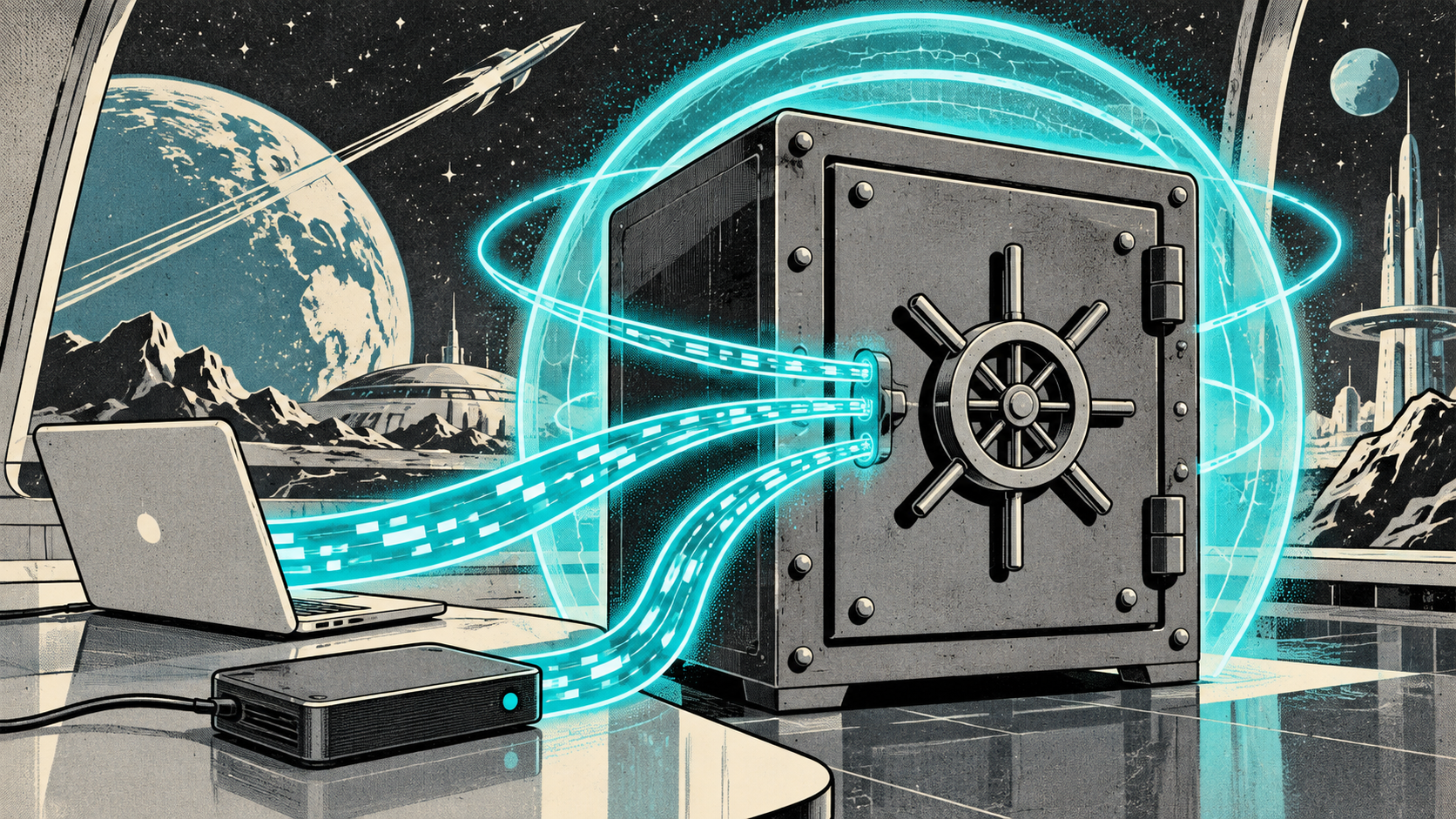
Time Machine is great for personal use. For a business relying on Mac hardware, you need layers. One backup is not a backup. Two is a start. Three, with at least one offsite, is where you should be.
The 3-2-1 Rule
Three copies of your data, on two different types of media, with one copy offsite. This is not new advice, but it remains the gold standard. For a Mac business, this typically looks like: the working copy on the Mac, a local backup (Time Machine or similar), and a cloud backup to a geographically separate location.
Time Machine: Good but Not Enough
Time Machine gives you hourly snapshots, easy file recovery, and full system restore. It is excellent for "I accidentally deleted a file" scenarios. But it has limitations: it backs up to a local drive (or network share), which means fire, theft, or ransomware can take out both the Mac and the backup. It also does not protect cloud data (Google Drive, Microsoft 365, SaaS apps).
Cloud Backup for Endpoints
Solutions like CrashPlan, Backblaze Business, or Druva back up Mac endpoints to the cloud continuously. Files are encrypted, versioned, and stored offsite. If a laptop is stolen or destroyed, you restore to a new Mac. For distributed and remote teams where local network backups are not practical, cloud endpoint backup is essential.
SaaS Backup: The Overlooked Layer
Your data in Google Workspace, Microsoft 365, Slack, and other SaaS platforms is not automatically backed up by those providers. They protect against their own infrastructure failures, not against you accidentally deleting a shared drive or a disgruntled employee wiping their mailbox. SaaS backup tools (like Spanning, Veeam, or Datto SaaS Protection) provide independent copies of your cloud data.
Disaster Recovery Planning
Backups are only useful if you can restore from them. Key questions to answer:
- How long can your business operate without access to data? (Recovery Time Objective)
- How much data can you afford to lose? (Recovery Point Objective)
- When did you last test a restore?
- Who is responsible for backup monitoring?
If you cannot answer these questions, you do not have a disaster recovery plan. You have a hope.
Encryption and Compliance
Backup data needs to be encrypted in transit and at rest. If you are subject to PIPEDA, health privacy regulations, or other compliance requirements, your backup solution needs to meet those standards. Verify encryption methods and data residency (where your backups are physically stored) before committing to a provider.
Our Recommendation
For most Mac-based small businesses: Time Machine for local convenience, a cloud endpoint backup for every Mac, and SaaS backup for your productivity platform. Test restores quarterly. Document the process. It is not glamorous work, but it is the difference between a bad day and a business-ending event. Let us audit your backup setup.